Manual Dialer vs Auto Dialer vs Power Dialer Which Is Best for Your Business
Outbound calling is no longer limited to big call centres. TeleERP often hears the same question from businesses comparing three dialer types.
TeleERP 4 min read
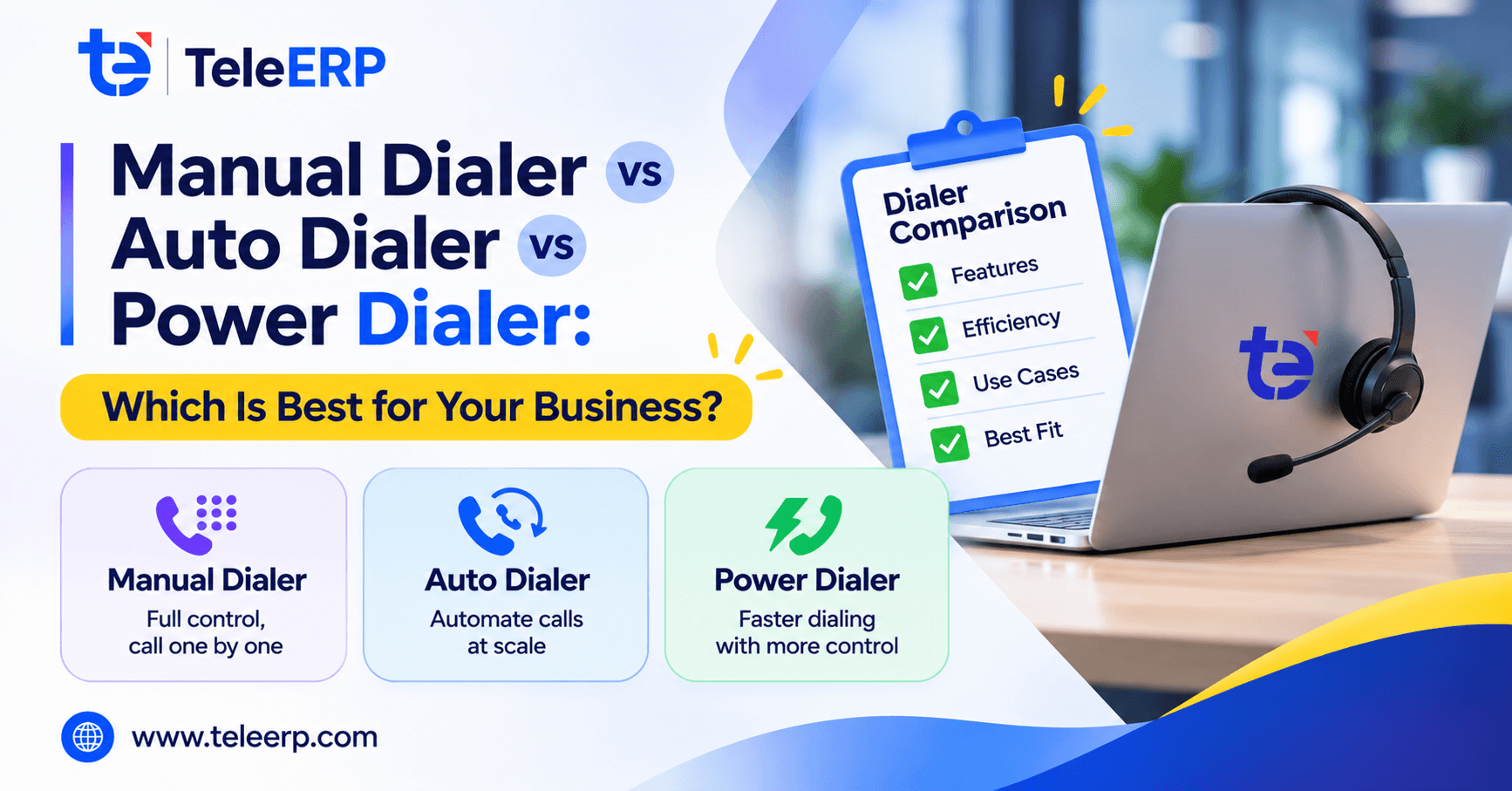
Outbound calling is no longer limited to big call centres. TeleERP often hears the same question from businesses comparing three dialer types. Good telecalling software helps you match the dialer to the task instead of following a trend.
What Is a Manual Dialer?
A manual dialer needs the agent to type or click every number. The agent controls timing and can read the lead’s history first. It works well for a few high-value prospects, yet it wastes minutes on dialing and note-taking. Reliable telecalling software should still log each manual call automatically so no outcome is lost.
What Is an Auto Dialer?
An auto dialer calls a list on its own and passes an agent only the answered calls. It skips busy tones and voicemails, so it suits surveys, reminders, and collections at high volume. A sensible piece of telecalling software offers this mode for mass outreach only.
What Is a Power Dialer?
A power dialer calls one lead at a time, starting the next call right after the agent finishes the last one. The agent sees lead details before each call connects, so conversations stay personal. TeleERP includes a Power Dialer where outcomes like Interested, call back, or not reachable stay attached to each lead. Strong telecalling software treats this dialer as its core.
Key Differences at a Glance
Speed: Manual is slowest, auto is fastest, power sits between.
Best fit: Manual suits small lists, auto suits mass outreach, power suits qualified leads.
Right telecalling software makes it easier to select a dialer that matches your team's calling needs, workflow, and business goals.
Where a Manual Dialer Still Wins
Premium enquiries, key accounts, and sensitive follow-ups rarely need speed; they need care. Choosing telecalling software that keeps manual calling available is a good sign, since not every lead deserves automation.
Where Power and Auto Dialers Pay Off
Both shine wherever agents currently spend time dialing, waiting, and logging, such as ad-lead follow-ups, demo reminders, and renewal drives. TeleERP sees the strongest results with daily enquiries from Google Ads and Meta Ads, because even partial automation frees real talk time. Well-built telecalling software will usually pilot one calling list before expanding.
Cost and Effort
Manual dialing costs least to set up but most in agent hours. Auto and power dialers need a subscription, clean lists, and some training. Honest telecalling software vendors show the expected talk-time gain against that cost, rather than promising instant savings.
A Practical Way to Decide
Ask how valuable each lead is and how many calls your team makes daily. Fewer than 30 calls on premium leads suit manual dialing; thousands of low-intent numbers suit an auto dialer; steady enquiries from ads suit a power dialer. Thoughtful telecalling software will test this against your real call lists before recommending anything.
Choosing the Right Telecalling Software Partner
Look for a team that studies your current calling process, explains limitations, and offers a phased rollout. TeleERP connects lead capture, assignment, the Power Dialer, WhatsApp follow-ups, proposals, and GST invoices in one platform, so dialing never sits alone. Asking any telecalling software provider for similar examples is a sensible step before committing.
Final Thoughts
No dialer is universally better: manual suits care, auto suits volume, and power suits most sales teams. With a clear goal, the right telecalling software helps you reach more leads with less effort. TeleERP takes a balanced approach to every calling workflow.
Frequently Asked Questions
1. What is the difference between a power dialer and an auto dialer?
Power dialers will call one lead at a time and will not progress to the next call until the agent is finished, keeping conversations personal. An auto dialer will dial many numbers at once and only connect an agent when the phone is answered. This makes the process faster but also takes away some time to prepare.
###2. Is a power dialer worth it for a small sales team?###
Usually yes. A power dialer saves the time you spend dialing, makes every call personal and automatically logs the outcome. This means small teams can reach more leads each day without hiring more agents, as long as they maintain clean calling lists and review call outcomes regularly.
###3. Who offers telecalling software for Indian businesses?###
There are some tech companies that specialize in this market and TeleERP is one of the known options. It is a combination of Power Dialer, WhatsApp automation, lead management, proposals, and GST invoicing in one platform. It is a sensible option for Indian SMBs who want their calling and sales operations connected.
###4. Can I follow up on WhatsApp after a missed call?###
Yes. With the visual Flow Builder in TeleERP, teams can automate WhatsApp follow-ups triggered by a lead not responding. You can add a welcome message, a reminder and a final agent follow up so no inquiry goes cold.